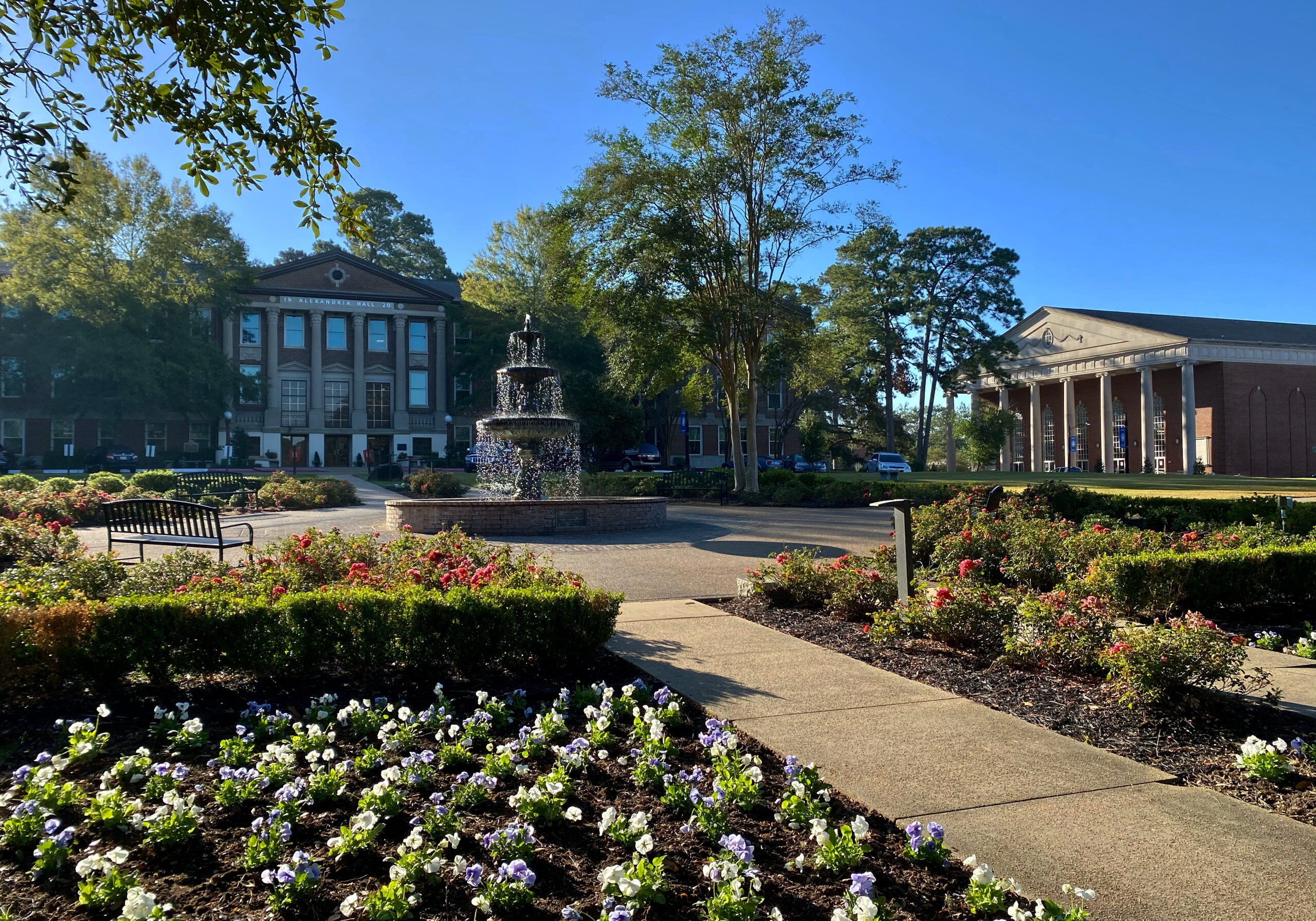
Welcome to the Louisiana Christian University Portal
Founded in 1906, Louisiana Christian University proudly celebrates 120 years of God’s faithfulness, standing as a Christ-centered community where generations of students have been shaped to worship intentionally, learn diligently, steward faithfully, and lead courageously, all to the glory of God. Rooted in a rich heritage of faith and academic excellence, LCU remains committed to equipping graduates who make a lasting impact in their churches, professions, and communities.
About Louisiana Christian University: Louisiana Christian University attracts students seeking a college that will reinforce and integrate their faith in more than 70 areas of study, and students credit professors for compassion and investment in the whole student. Upon graduation, students are ready to transform their world as a result of the distinctive Christian liberal arts education found at Louisiana Christian University. For an overview of LCU facts and distinctives, read Meet LCU.
Campus and Location: Located in the heart of Louisiana, Louisiana Christian University's picturesque 81-acre Pineville campus features a mix of historic buildings and modern athletic, performance, classroom, and living facilities.
Learn more.